GR III / IIIx
Look Editor · Tutorial
EN
DE
Open the editor
Your own looks on the GR III
Open the editor with these looks
Download the preset
The four looks of this tutorial
Camera JPEG
1
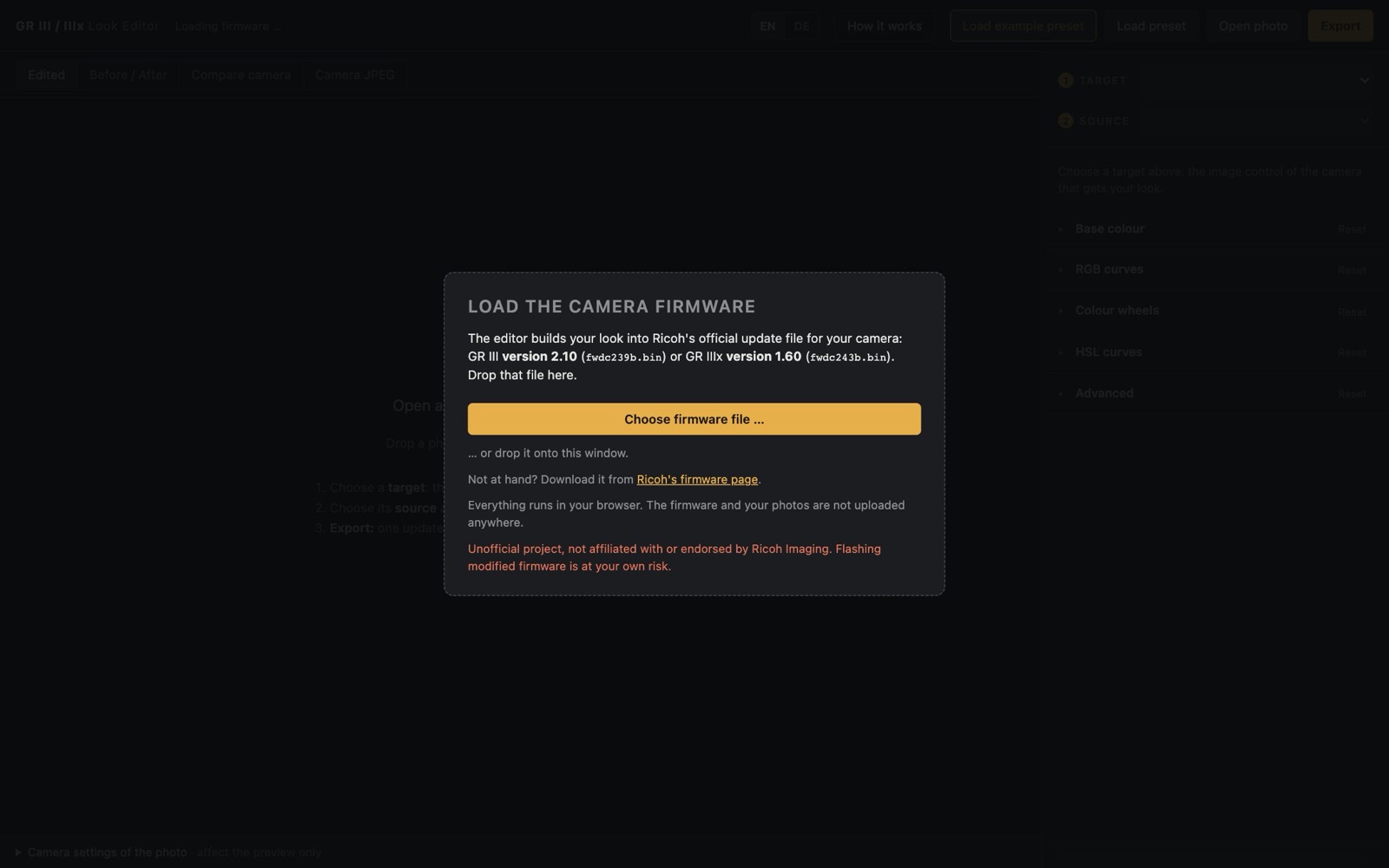
Load the camera firmware
2
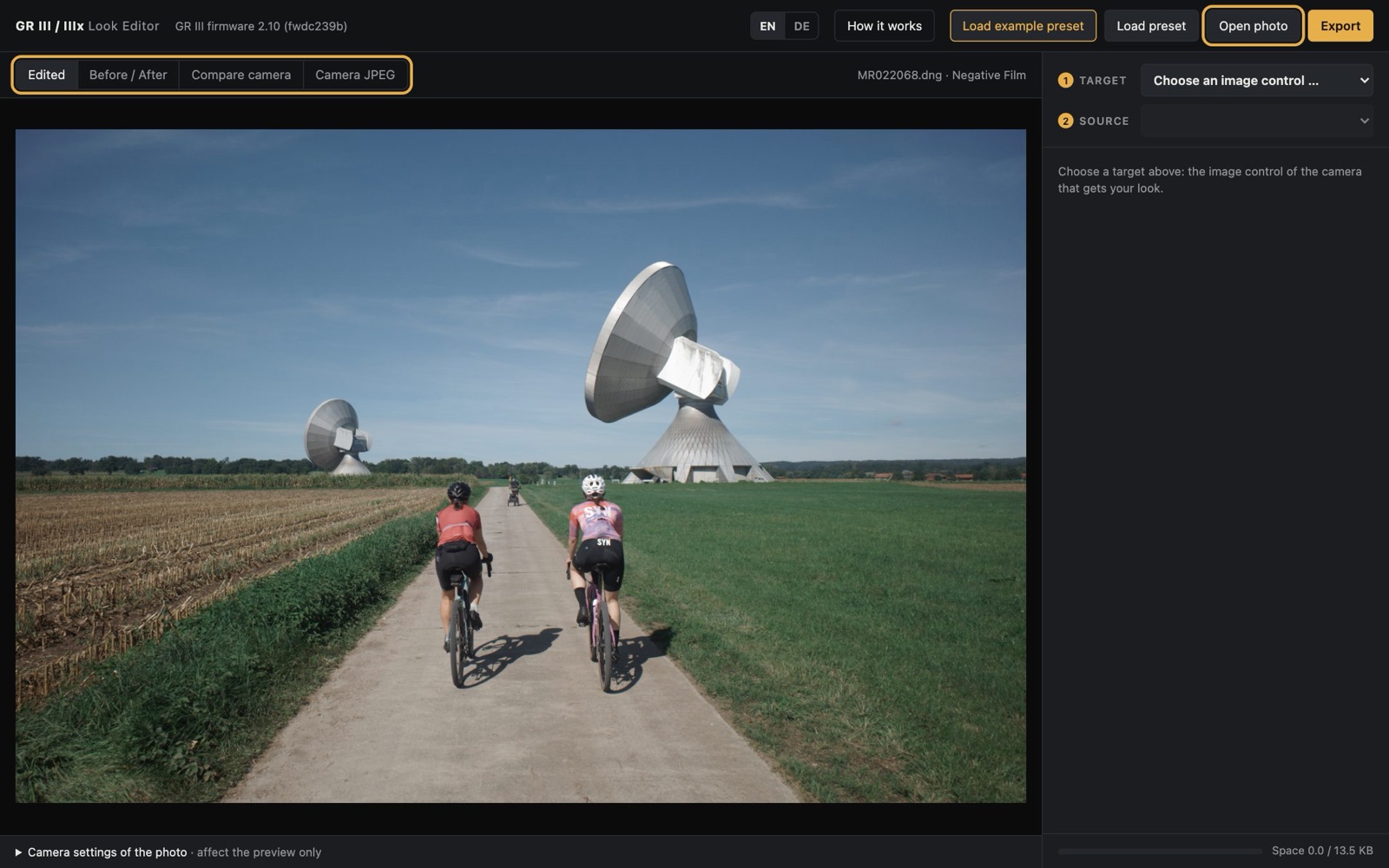
Open a photo
3
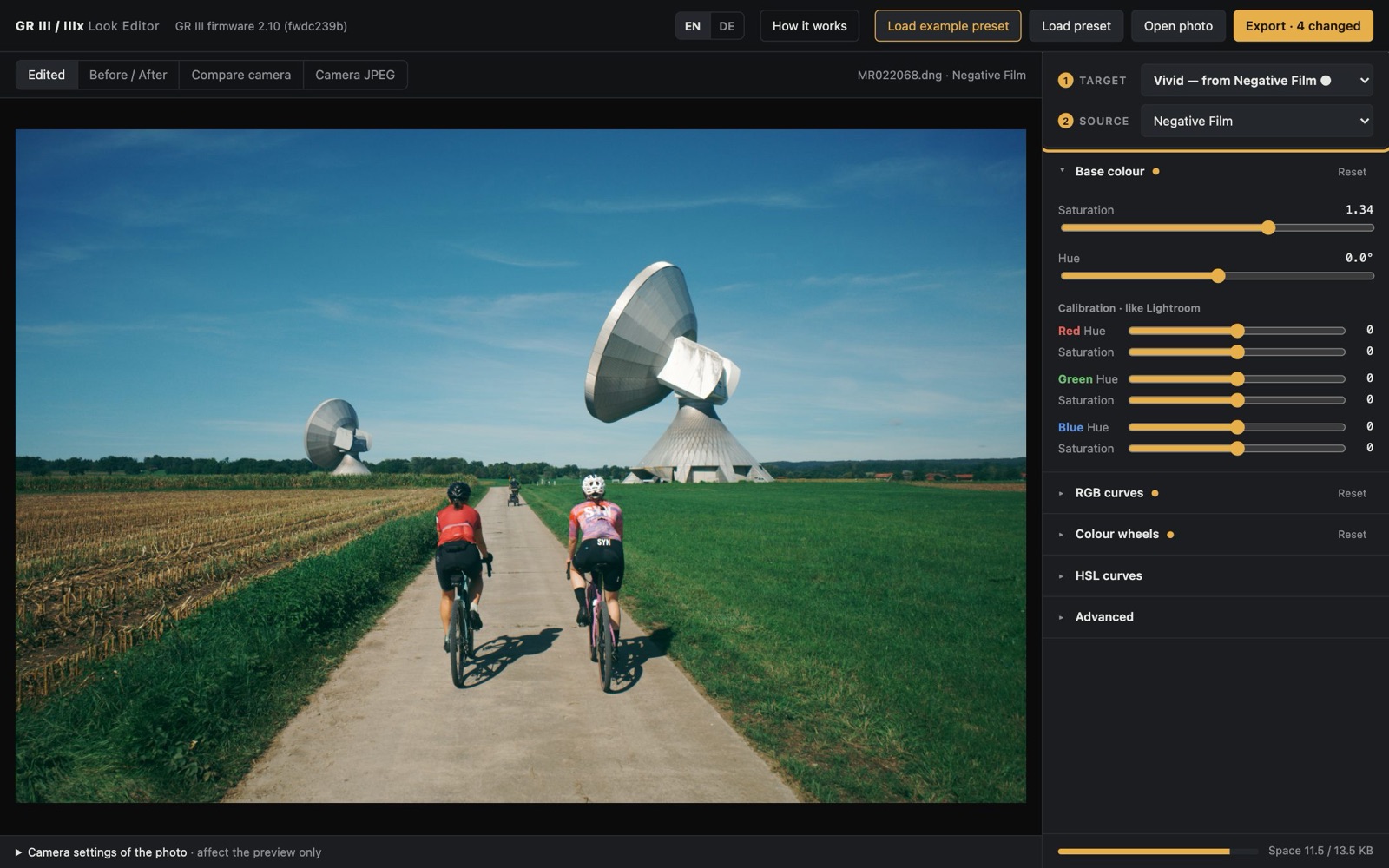
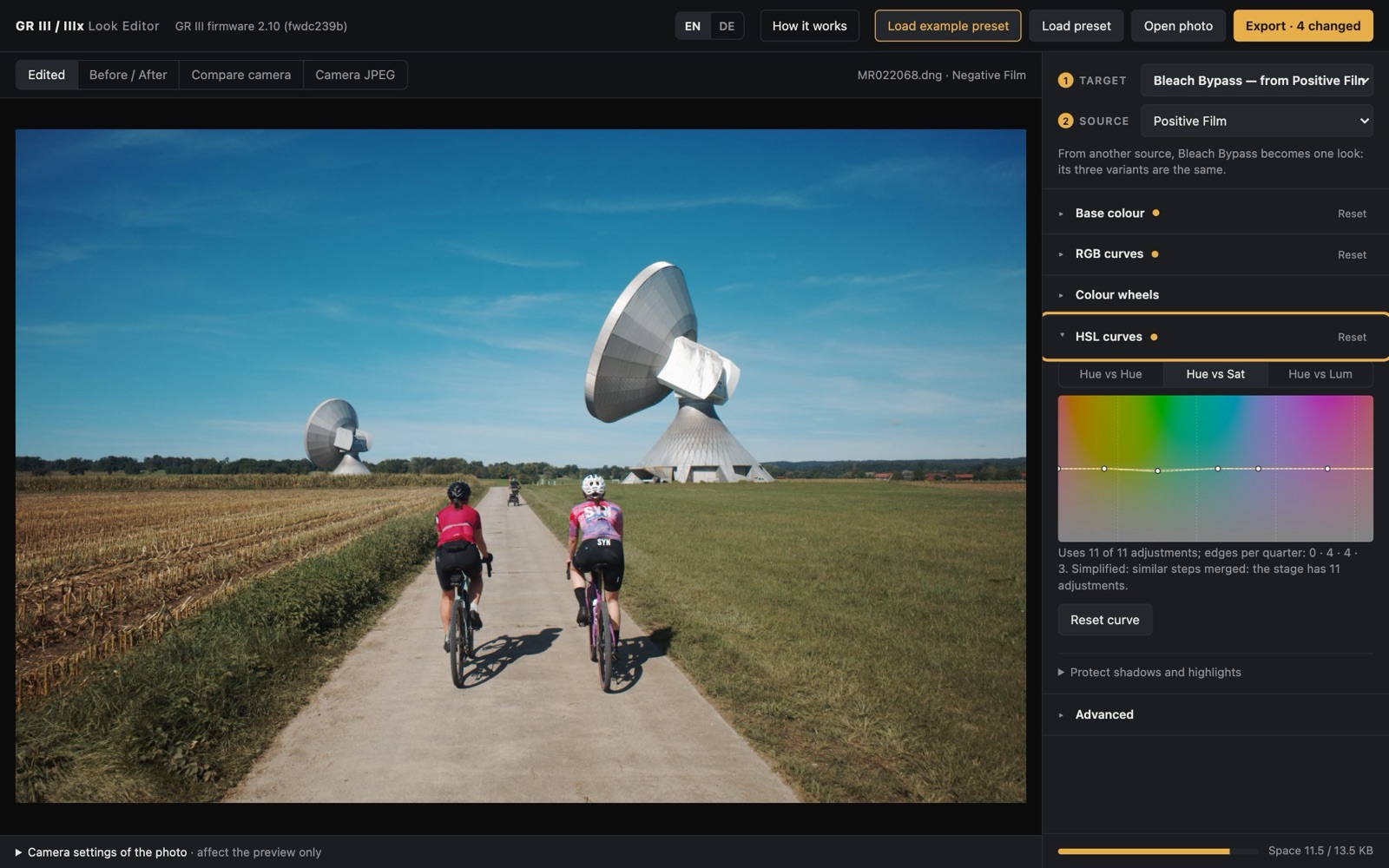
Choose a target and a source
4
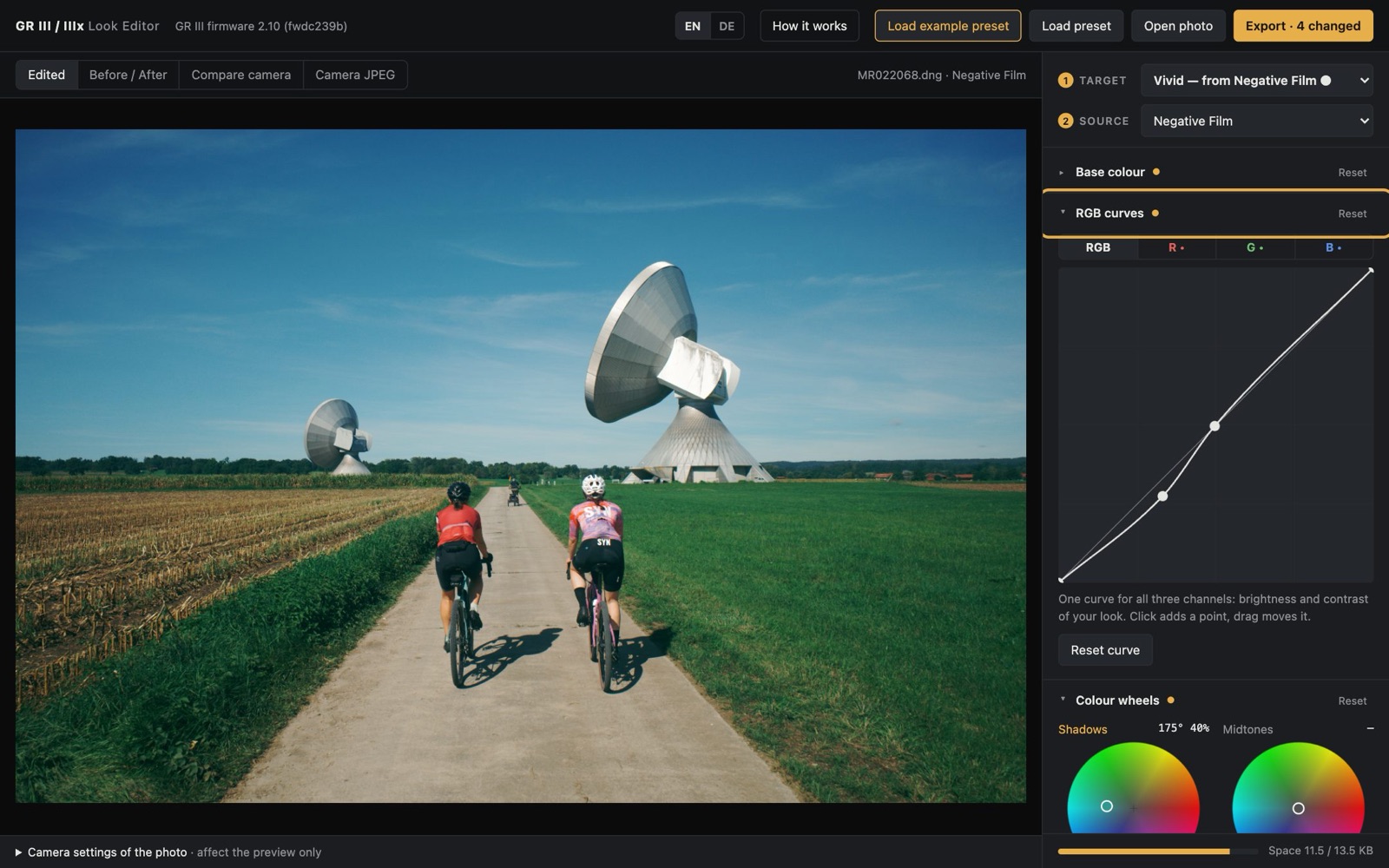
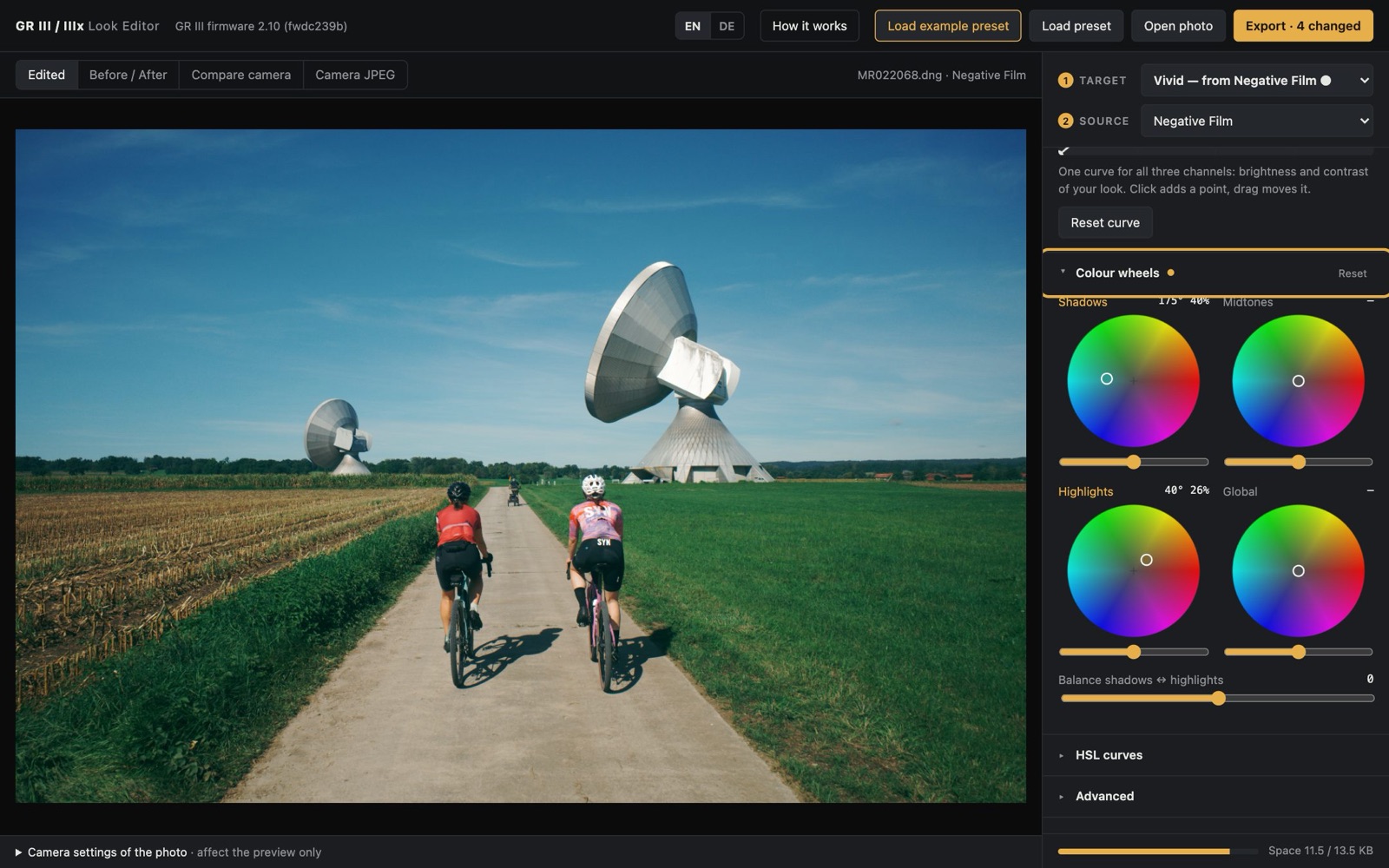
Shape the look
5
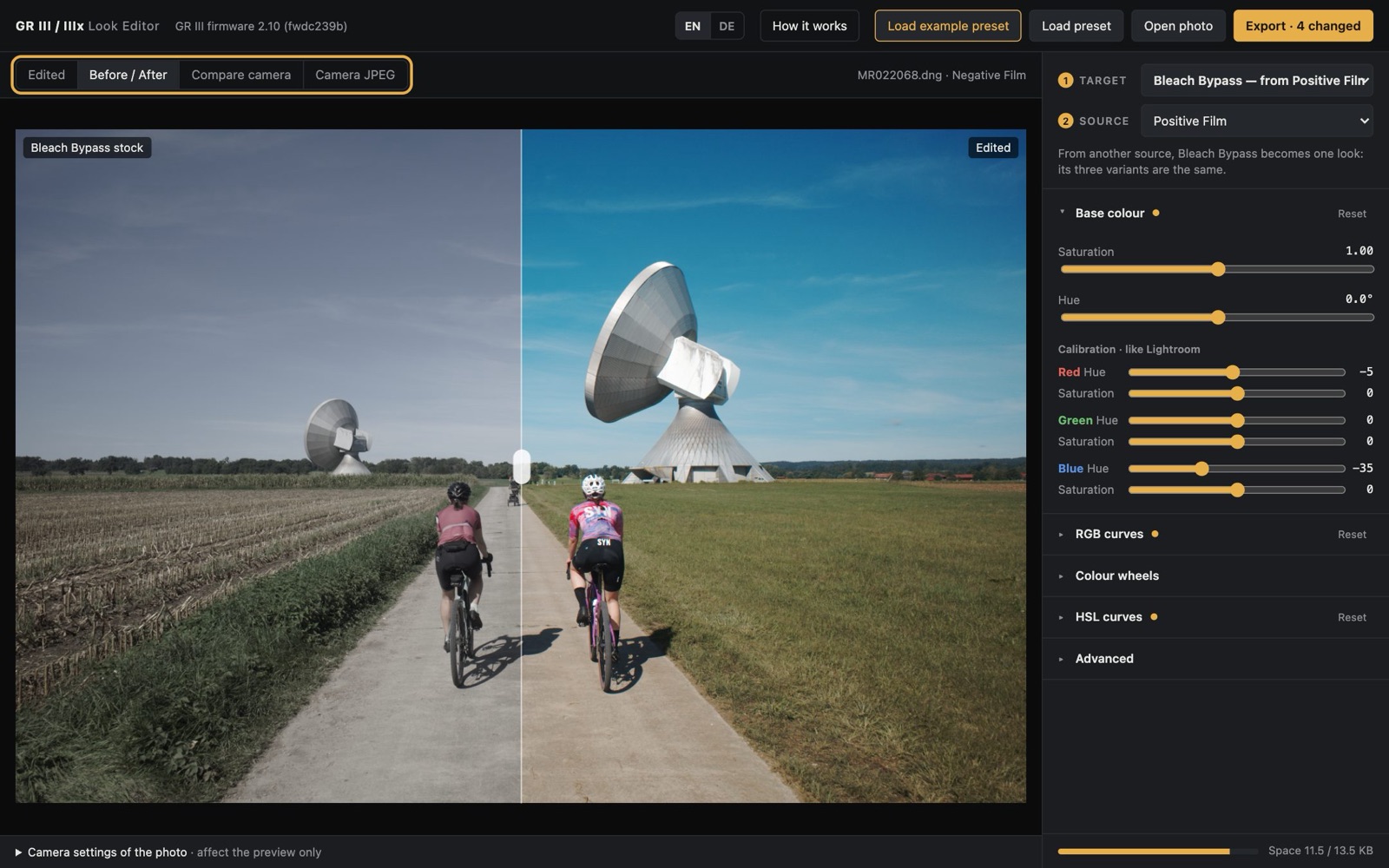
Compare
6
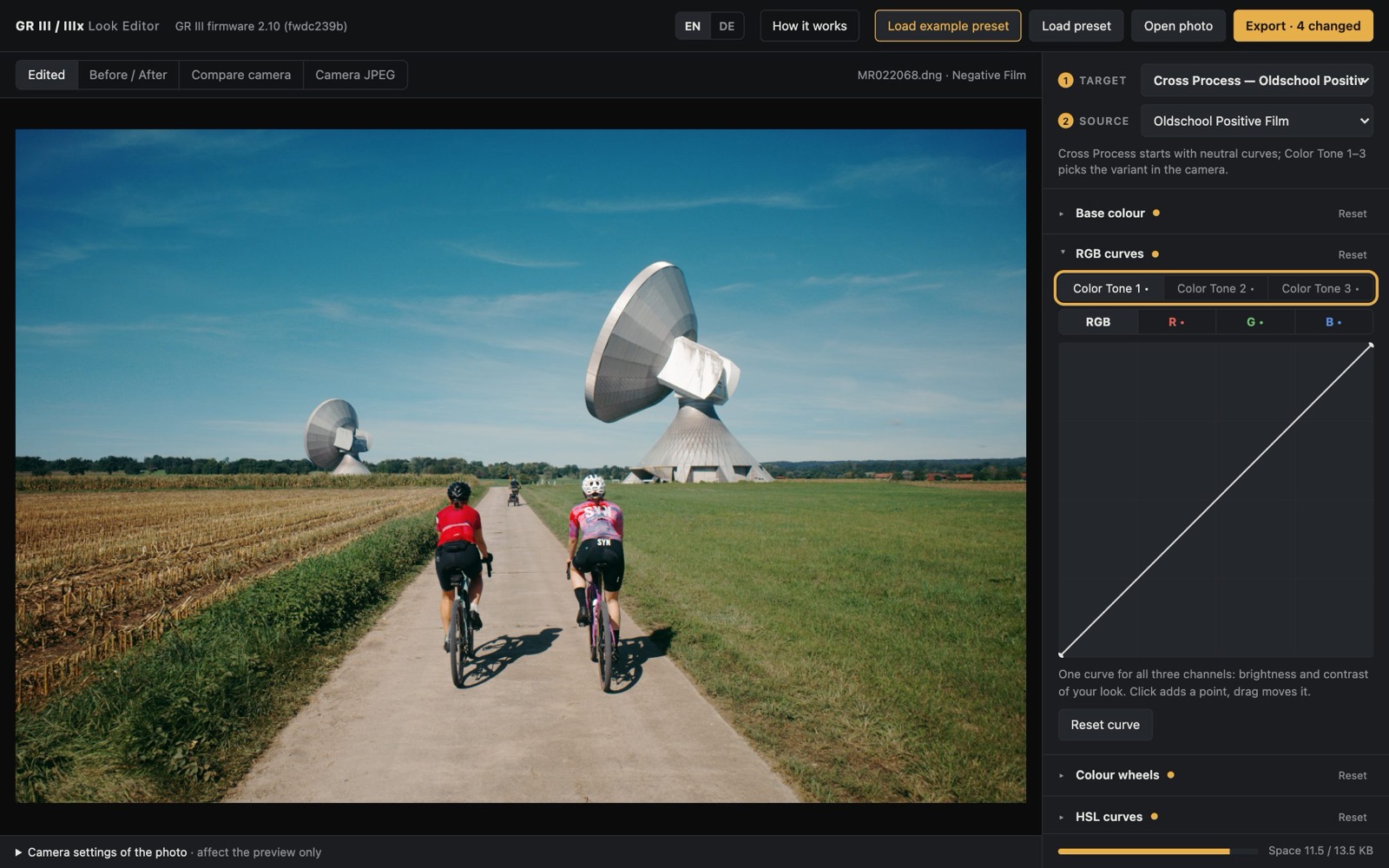
More targets, Cross Process variants
7
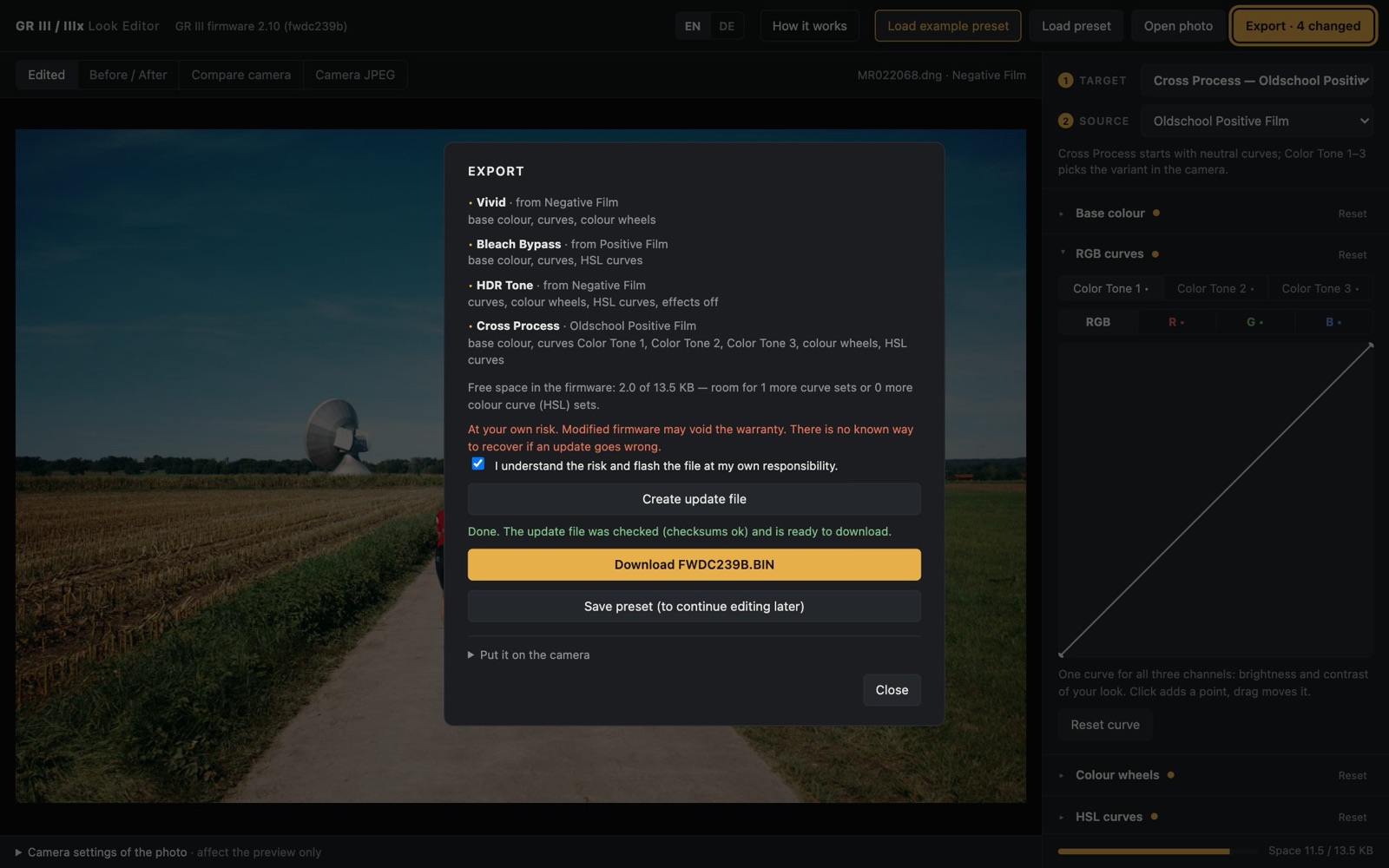
Export
8
Put it on the camera